8 Best SEO Optimization Tools for 2025
Published: 30 October 2025
SEO & Performance

Struggling to rank in 2025? You’re not alone.
Let’s be real, SEO today isn’t what it used to be. The old tricks of stuffing keywords, buying backlinks, or chasing algorithm updates just don’t cut it anymore. In 2025, Google’s algorithms have evolved into intelligent systems powered by AI and Natural Language Processing (NLP) designed to reward authentic Experience, Expertise, Authoritativeness, and Trustworthiness (E-E-A-T).
If you’re a business owner trying to attract organic leads, an SEO strategist managing multiple campaigns, or a digital marketing agency helping clients both locally and worldwide, you already know how time-consuming SEO can be. From keyword research and technical audits to content optimization and rank tracking, it’s a lot to juggle manually.
That’s where today’s next-generation SEO optimization tools come in. These tools combine automation, AI-driven insights, and semantic analysis to help you:
- Find keyword opportunities that actually drive ROI
- Analyze competitors and uncover ranking gaps
- Optimize your content for how Google thinks, not just how it indexes
- Monitor performance and make data-backed decisions with confidence
In this guide, experts at Digital Humanity tested and compared 30+ leading SEO tools to bring you the 8 best SEO optimization tools for 2025, the ones that truly make a difference. Whether you’re optimizing a local South African business or managing global campaigns worldwide, these tools can help you work smarter, rank higher, and grow faster.
Let’s dive in.
Jump To
Why Choosing the Right SEO Tool Matters
Digital marketing teams, agencies, and business owners rely on SEO tools to work smarter, not harder. A good SEO platform helps you:
- Find opportunity keywords by volume, intent and difficulty (not guesses).
- Audit your site to catch broken links, slow pages, or crawl errors at scale.
- Analyze competitors, to uncover their top keywords and backlinks, and spot gaps in your content.
- Optimize content using AI/NLPand semitism to cover related terms and user questions.
- Track performance through accurate analytics (rankings, clicks, traffic) across campaigns.
All these tasks support Google’s quality criteria. As one SEO expert notes, trust in Google’s view comes from showing “experience, expertise, and authoritativeness”
In other words, using data-backed tools lets you address what Google’s algorithms and human quality raters care about. Whether you’re a small local shop in South Africa or a global e-commerce brand, the right tools help you make smart, efficient SEO decisions instead of shooting in the dark.
How We Selected These SEO Tools
At Digital Humanity, our SEO experts tested over 30 tools to find the top 8 SEO optimization tools. We evaluated each tool using five key factors to ensure they deliver real value for businesses of all sizes.
- Data Accuracy: Tools need to provide reliable insights on keywords, backlinks, and search rankings.
- Feature Coverage: A great tool offers a complete SEO toolkit, including audits, keyword research, content analysis, and link tracking.
- Ease of Use: Whether you’re a beginner or an expert, the tool should be intuitive, efficient, and user-friendly.
- Pricing Value: Powerful tools don’t have to break the bank; affordable options and free trials make a difference.
- Support & Updates: Tools backed by active development and responsive support keep your SEO efforts running smoothly.
By focusing on these criteria, we ensured that every tool in our list is practical, effective, and worth your time.

Turn Search Insights Into Real Growth
Consult Digital Humanity to Maximise Your SEO Performance and ROI!
Best Search Engine Optimisation Tools: Find the Right Fit for Your Business
Not all SEO tools are created equal. Some specialize in keyword research, others in technical audits, while a few focus solely on content optimization. Choosing the right combination not only saves time but also enables data-driven decisions, helping your business gain a competitive edge in search rankings.
1. SEMrush
SEMrush is an all-in-one SEO suite used by agencies and large teams worldwide. It combines keyword research, technical audits, content analysis, and reporting in one platform. For example, SEMrush boasts a database of 25.3 billion keywords, so you can find high-ROI search terms by volume and competition. Its Domain Overview lets you see any site’s organic trend and top keywords over time, which is invaluable for competitor analysis. In practice, you might plug in a rival’s domain and instantly see whether their traffic is growing or which branded terms drive it.
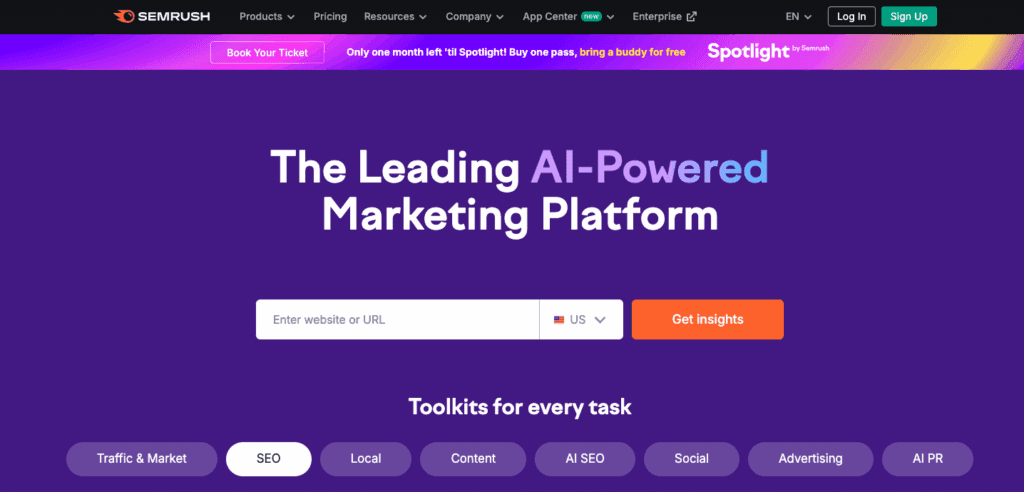
Key features of SEMrush:
- Keyword Research: Access billions of queries and filter by country, volume, difficulty, and more options such as intent etc.
- Domain/Competitor Analysis: The Domain Overview and Gap tools show you rivals’ keywords and backlinks (e.g. which queries they rank for that you don’t).
- Site Audit: Automated crawls highlight broken links, duplicate content, slow pages and other on-site issues.
- Content Marketing Toolkit: Analyze top-performing content and readability, and find keyword gaps in your articles.
- Integrations: SEMrush can pull in your Google Analytics and Search Console data so you see all metrics in one dashboard.
Pros of SEMrush:
A true “Swiss Army knife” – covers virtually every SEO need (research, audits, content, social, and even PPC). Scalable for multi-site, multi-language campaigns. Integrates seamlessly with Google Analytics and Search Console.
Cons of SEMrush:
Can be pricey for solo marketers or small startups. There’s a learning curve due to its depth.
Best for:
Agencies and in-house teams managing large or international websites.
Pricing:
Free version available.
Paid plans starts from $117/month.
2. Ahrefs
Ahrefs is famous for backlink and competitor research. Its Site Explorer provides one of the largest link indexes in the industry with over 28 trillion internal and 35 trillion external backlinks, so it reliably shows who is linking to whom. Ahrefs’ Content Gap tool will list the keywords your competitors rank for that you don’t, which is perfect for spotting missed opportunities. For example, you can compare up to 10 domains and quickly identify shared or missing keywords.
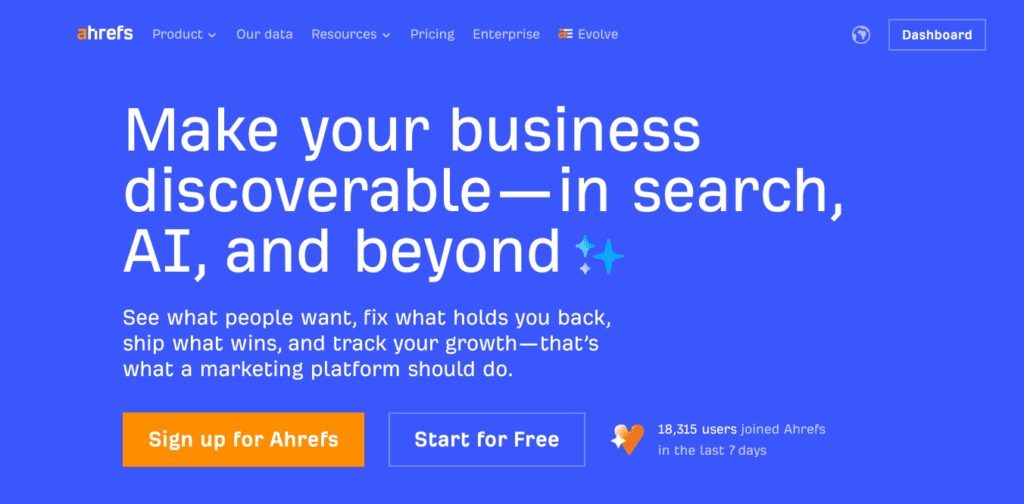
Key features of Ahref:
- Site Explorer: Deep dive into any domain’s backlink profile, anchor texts, and top pages. Also shows organic search traffic and keyword metrics for each page.
- Content Gap: Automatically identifies competitor keywords you’re not targeting.
- Keyword Explorer: Provides search volume, clicks, and difficulty for any term.
- Rank Tracker: Monitors your target keywords’ positions over time in your chosen locations.
- Site Audit: Checks for on-page issues like missing meta tags, crawl errors, or duplicate content.
Pros of Ahref:
Industry-leading link database and accurate ranking data. Excellent for in-depth competitor analysis. Has API access for larger plans (useful for automated reporting).
Cons of Ahref:
Doesn’t natively integrate Google Analytics or GA4 (except via third-party data import), so some traffic data must come from other tools. Can be expensive for small teams.
Best for:
Link-building specialists and agencies focused on competitive intelligence.
Pricing:
Free trial available.
Paid plan starts from $29.
3. Surfer SEO
Surfer SEO is a content optimization tool that uses AI and NLP to help your pages rank better. It analyzes the top-ranked pages for a keyword and distills their common features. For instance, its Keyword Research clusters related terms by user intent, then you can feed these into Surfer’s Content Editor. In the Content Editor, Surfer AI will auto-generate an outline or even draft text. You get real-time suggestions on structure, headings, keyword use, and readability as you write.
Key features of Surfer SEO:
- SERP Analyzer: Scans the top 20–50 pages for your target keyword and extracts overused terms, headings, and semantic keywords.
- Content Editor: An AI-driven editor with on-page scoring. You insert your text (or an outline), and Surfer highlights missing keywords, suggests terms, and rates your content’s SEO health in real time.
- AI Writing: Built-in Surfer AI (or integrated Jasper.ai) can produce article drafts. The Essential plan includes 5 AI-generated articles per month.
- Keyword Clustering: Groups related terms so your page covers a topic comprehensively.
Pros of Surfer SEO:
Great for fine-tuning on-page content. Real-time, data-driven guidance on what top pages include Integrates with Google Docs and WordPress for easy publishing. Helps improve content relevance and readability to meet Google’s NLP-based algorithms.
Cons of Surfer SEO:
Focused only on content optimization, no backlink or broad technical SEO features.
Best for:
Content marketers, copywriters, bloggers who want semantically rich, AI-optimized content.
Pricing:
Free trial available.
Paid plans start at $79/month.
4. Sitebulb
Sitebulb is a deep technical SEO auditor built for desktop. It crawls websites and provides in-depth, visual reports. For example, it will collect Core Web Vitals metrics and run Lighthouse speed tests on every single URL during a crawl. This “lab data at scale” lets you spot slow pages across a site, not just one URL at a time. Sitebulb also checks indexability (robots.txt, noindex tags) and visualizes your site’s structure and linking.
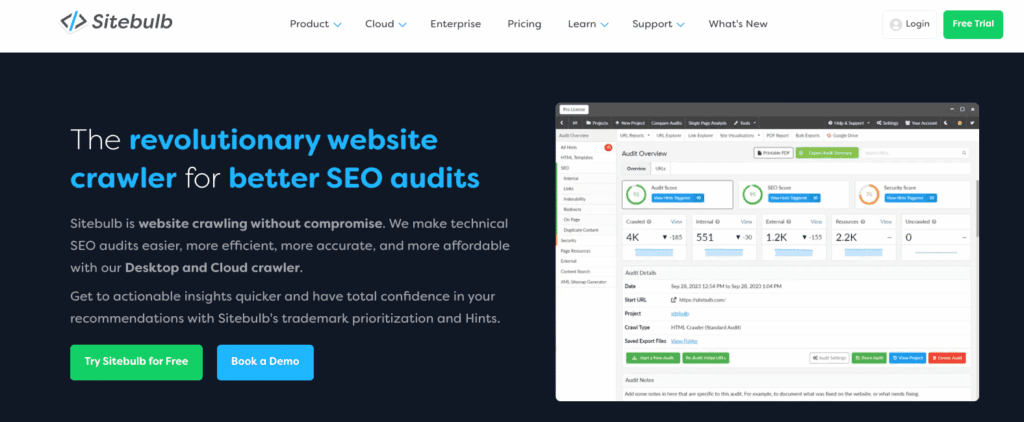
Key features of Sitebulb:
- Bulk Performance Audits: Runs Lighthouse/PageSpeed on all pages, aggregating Core Web Vitals scores (LCP, FID, etc.). You can easily see which templates or pages underperform.
- Indexability Checks: Flags pages blocked by robots, missing from sitemap, or with
canonical issues. - Interactive Visualizations: Generates crawl diagrams and link maps, letting you “see” the site architecture. Priority problems are highlighted in an easy-to-understand way.
- Custom Crawl Settings: Crawl on a schedule, control depth, render JavaScript, compare audits over time.
- Cloud Option: New cloud version offers browser access and bigger crawling without desktop limits (useful for larger teams).
Pros of Sitebulb:
Extremely detailed, with over 300 SEO checks and visuals to explain them Ideal for technical SEOs who need to pinpoint complex issues (duplicate content, redirect chains, JavaScript problems, etc.). Trusted by large sites (Sitebulb cites clients like Amazon and Yahoo).
Cons of Sitebulb:
Mainly desktop software (though a cloud version now exists). Not as user-friendly for non-technical users.
Best for:
Technical SEO consultants and agencies doing site migrations or complex audits.
Pricing:
Free trial available.
Paid plans starts from $18/month.
5. Ubersuggest
Ubersuggest (by Neil Patel) is a budget-friendly SEO toolkit ideal for small businesses and freelancers. It offers keyword research, site audits, and backlink analysis with a very approachable interface. Notably, Ubersuggest taps into Moz’s huge index (45.8 trillion links)for its data. This means its backlink overview and competitor analysis are backed by a massive link database (Moz’s) – in tests it even found more referring domains on some sites than SEMrush.
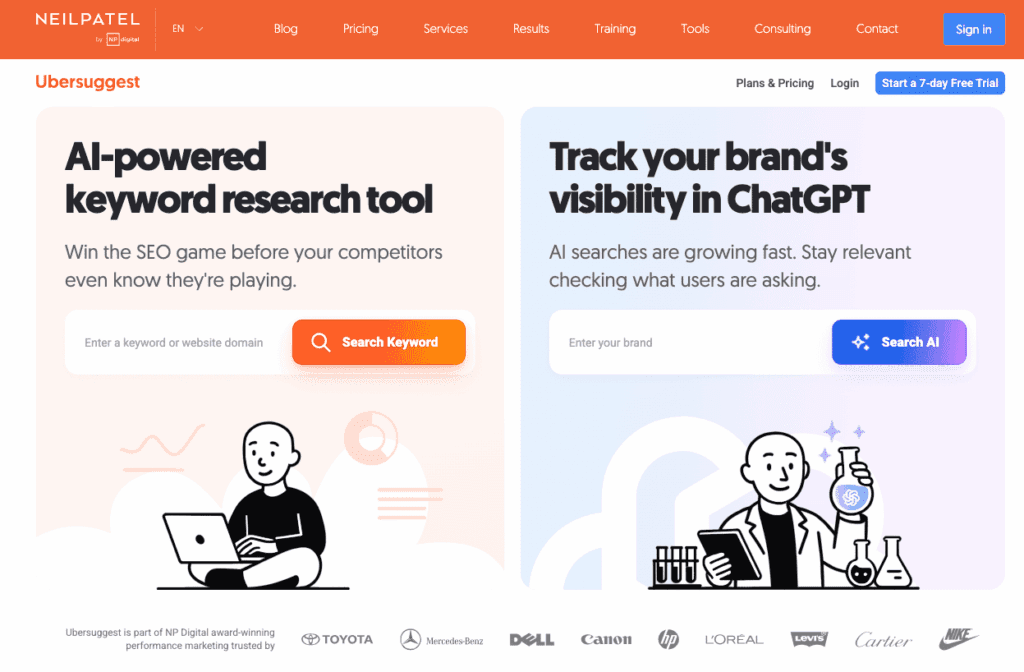
Key features of ubersuggest:
- Keyword Research: Generates keyword ideas with volume and SEO difficulty (leveraging Moz data). Includes local keyword tracking if you serve specific regions
- Site Audit: Automated SEO audit that flags errors, performance issues, mobile-friendliness problems, and crawlability issues. The report is easy to read for beginners. For example, it clearly breaks down SEO errors by severity and highlights pages that load too slowly or aren’t mobile-friendly.
- Backlink Overview: Shows total backlinks, referring domains, and anchor text for any site. (Since it uses Moz’s link graph, the numbers can be higher than some other tools.)
- Competitor Insights: ‘Similar Sites’ report and keyword gap tool show traffic estimates, common keywords, and even lists keywords your competitors rank for but you don’t rank.
- Content Ideas: A basic content tool suggests trending headlines on a topic along with social engagement metrics.
Pros of ubersuggest:
Very accessible price. Simple, intuitive UI. Good for local SEO and getting started with SEO tasks. Integration with an AI writing assistant (“AI Writer”) offers 10,000 free words per month for generating social posts or blog drafts.
Cons of ubersuggest:
Data can be less comprehensive for highly competitive niches. Fewer advanced features (no integrated rank tracker beyond basic, no sophisticated reporting). Backlink analysis is good but lacks broken-link checks.
Best for:
Startups, small businesses, and solo marketers on a budget.
Pricing:
Free Plan available
Paid Plans starts from $20/month.
6. Frase
Frase is an AI-driven content brief and optimization platform. Its focus is on speeding up content research and writing while making it thorough. Frase analyzes the top-ranking pages for your target keyword and automatically builds an outline or “content brief”. For example, you enter a keyword and Frase will scrape the SERP, extract topics and subheadings those pages cover, and generate a detailed outline for you.
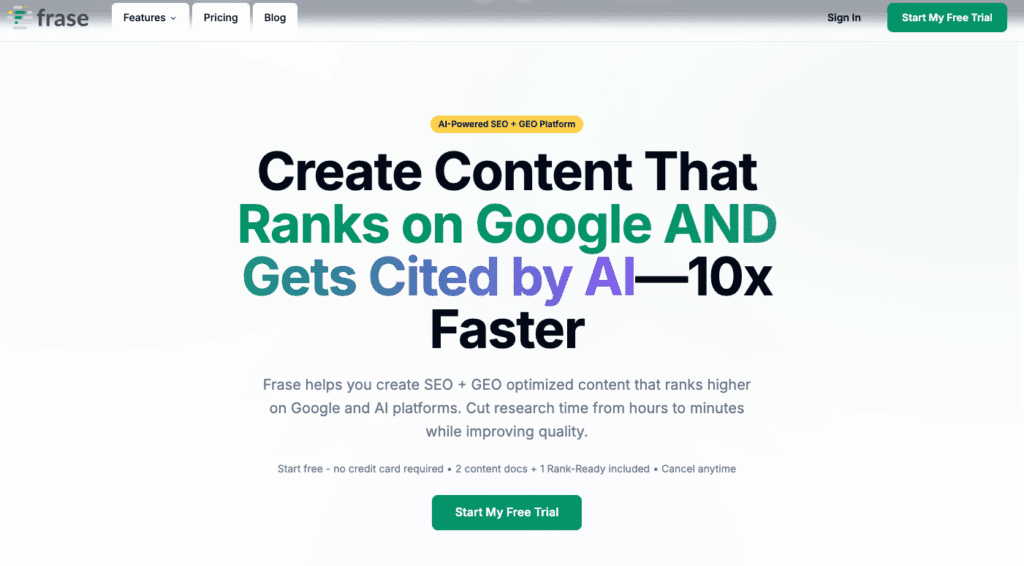
Key features of frase:
- AI Content Briefs: Enter a keyword and Frase produces an outline with suggested headings and subtopics based on top-ranking content.
- Content Gap Analysis: Frase compares your draft against competitors to highlight missing terms or questions.
- Semantic Keywords: Suggests related keywords (entities/LSI terms) to include, boosting topical authority.
- Live SEO Scoring: As you write or revise, Frase shows SEO and “GEO” (AI-search) scores in real time and gives recommendations. For example, you’ll see prompts to add missing questions or improve readability while editing.
- Dual SEO + GEO Optimization: Frase uniquely optimizes for both Google and AI-based search. It shows separate scores for traditional SEO and AI citation (ChatGPT/Perplexity), with suggestions to improve content for each.
Pros of frase:
Great for content strategists and teams. It speeds up content planning by automatically outlining what to cover. Real-time feedback ensures your article covers all key points and reads well. Frase’s GEO (Generative Engine Optimization) features help your content get cited by AI tools.
Cons of frase:
No technical SEO or backlink features; it’s solely for content.
Best for:
Content writers, SEO copywriters, and teams doing large-scale content creation who want data-driven briefs.
Pricing:
Free Plan available
Paid Plans starts from $38/month.
7. Screaming Frog SEO Spider
Screaming Frog is a desktop website crawler and audit tool beloved by technical SEOs. It’s often described as the “Swiss Army knife” of SEO auditing. Screaming Frog crawls any site (up to 500 URLs for free) and reports on nearly every on-page and technical factor. For example, it instantly finds all broken links (4XX errors) and server errors. It also lists all missing or duplicate page titles, meta descriptions, headers, and more.
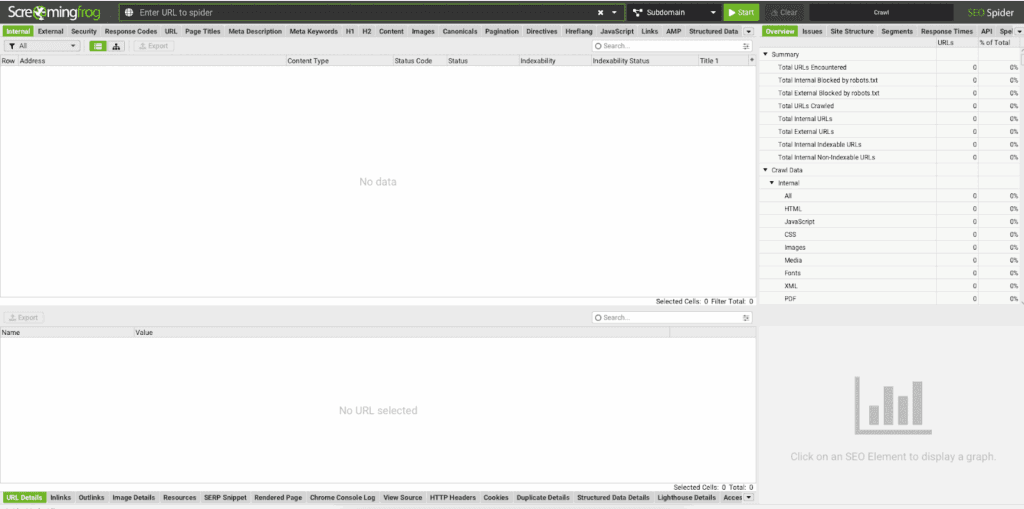
Key features of Screaming Frog:
- Broken Link Detection: Filters crawl data to show all 404s and bad redirects Urls by fixing these errors to optimize the crawl budget.
- On-Page Checks: Flags missing or duplicate titles, meta tags, headings, or oversized files. You can export these issues for quick fixes.
- XML Sitemap Generator: Can create XML sitemaps (and image, hreflang based xhtml sitemaps) based on your crawl.
- Custom Extraction: Scrapes data via XPath/Regex (e.g. to audit structured data or specific HTML elements).
- Integrations: You can connect your Google Analytics, Search Console, and PageSpeed Insights APIs, pulling user data, index status, and speed metrics directly into the crawl.
- Visualizations: The software can generate link graphs and tree diagrams showing your site structure and internal linking.
Pros of Screaming Frog:
Extremely comprehensive for technical audits. Provides granular data on site architecture and content. The free version (500 URLs) is very powerful. SEO experts like Glenn Gabe call it “invaluable” for uncovering complex SEO issues.
Cons of Screaming Frog:
Desktop-only (no native cloud version) and has a steep learning curve for non-technical users. The interface is utilitarian.
Best for:
Technical SEO specialists auditing medium-to-large sites, especially before/after migrations or redesigns.
Pricing:
Free version available that can crawl upto 500 URLs.
Paid plans starts from $279 per year per user.
8. Google Search Console
Google Search Console (GSC) is a free, must-have SEO tool from Google that shows how your website performs in search. It provides accurate insights on impressions, clicks, CTR, and rankings across queries, pages, and devices—helping you find opportunities to boost visibility. The Coverage report highlights indexing issues like 404 errors or blocked URLs, while tools for sitemaps, mobile usability, structured data, and URL inspection make it easy to fix problems and improve performance. Simply put, GSC helps you understand how Google sees your site and what to do to rank better.
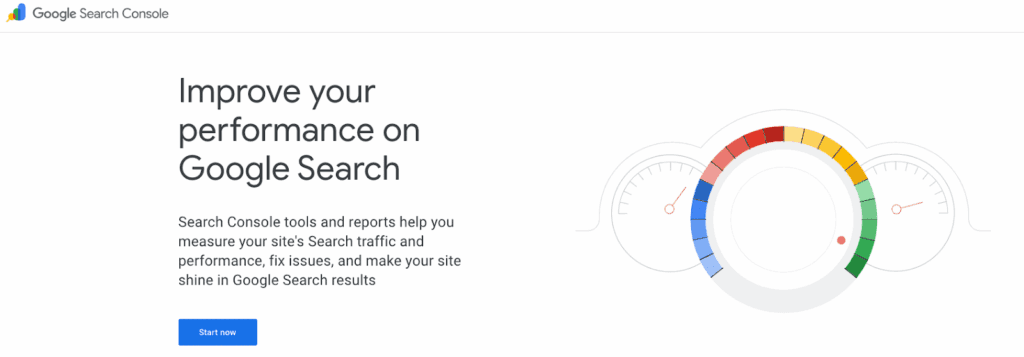
Key Features of Google Search Console:
- Search Console Insights: Now fully merged into the main GSC interface, providing unified performance insights, trending content, top queries, and engagement data. Includes “Achievements” tracking and milestone notifications.
- Performance Report: Tracks clicks, impressions, CTR, and positions,now with improved trending comparison cards and detailed search appearance filters (e.g., video, product, or news results).
- Indexing Report: Shows indexed, excluded, and error pages, with improved crawl diagnostics and issue categorization.
- Video Indexing Report: Track how your videos are indexed, identify schema or thumbnail issues, and verify which video URLs appear in search.
- Core Web Vitals & Page Experience: Measure real-user speed and interactivity (LCP, CLS, INP) with Chrome UX data.
- Enhancements Report: Monitor structured data like FAQ, Product, or How-To schema, fix issues, and validate rich results.
- Security & Manual Actions Alerts: Real-time alerts for spam, security breaches, or penalties — with direct recovery guidance.
Pros of Google Search Console:
Completely free and Google-accurate. Provides alerts if Google detects manual penalties or critical issues. Essential for any site owner.
Cons of Google Search Console:
It doesn’t have advanced features like keyword difficulty or content optimization suggestions. Data can also be limited (e.g. Google hides some query data for privacy).
Best for:
Everyone, from beginners to advanced SEOs. Especially useful for local business owners and global sites alike, since it directly shows how Google sees your site.
Pricing:
Free.
How to Choose the Right SEO Tools for Your Goals
You don’t need every SEO tool out there; you just need the ones that align with your goals, workflow, and budget. Here’s a quick guide to choosing the right tools for each phase of SEO to help you invest wisely and achieve better results.
- Keyword Research: Go for SEMrush or Ahrefs if you need deep keyword data, competitor insights, and SERP tracking.
- Technical SEO: Use Screaming Frog or Sitebulb to find crawl errors, broken links, and indexing issues fast.
- Content Optimization: Surfer SEO or Frase help you create SEO-driven, high-performing content with AI-powered recommendations.
- Link Building: Ahrefs or Moz provide the most accurate backlink data for outreach and authority growth.
- Reporting & Dashboards: Pair SEMrush or Google Search Console + Analytics for clear visibility into site health and traffic trends.
- On a Tight Budget: Combine Ubersuggest and Google Search Console, a cost-effective toolkit that covers all the basics.
Pro tip: Pair one all-in-one suite with one specialty tool. For example, use SEMrush for research and use Surfer for content, rather than subscribing to multiple overlapping platforms.
Conclusion:
Choosing the right SEO tools doesn’t have to be complicated. Focus on the ones that save time, provide clear insights, and improve results. Whether you’re running a local South African business or a global campaign, the right tools help you make smart, data-driven decisions instead of guessing.
At Digital Humanity, we combine these tools with proven SEO strategies to deliver real results. From keyword research and technical audits to content optimization, we help turn insights into traffic, leads, and revenue. Start with the essentials, scale as you grow, and let the right tools guide your SEO journey.
Related Blogs

Development
How to Build a Budgeting App in South Africa (Complete 2026 Guide)
South Africa is experiencing a rapid shift toward digital money management. Rising living costs, increasing household debt, and widespread mobile banking adoption have created strong demand for budgeting apps that help individuals and businesses manage their finances better.

DevelopmentStrategy
Low-Code vs. Custom Mobile App Development: What’s Best for South African Startups in 2026?
Low code mobile app development vs custom mobile app development is a question South African startups in 2026 are asking in one of the most competitive and cost-sensitive environments the country has ever seen. Funding is more selective, customers expect world-class digital experiences, and infrastructure realities like load shedding, data costs, and device diversity still shape how mobile apps are used.
Strategy
Best 6 Payment Gateways in South Africa: How to Choose and Integrate the Right One
If you’re searching for payment gateways in South Africa, you’re not here for theory. You want to know which options exist, how they actually work, and which one will perform best once integrated into your website, store, or app. South African payments aren’t simple, customers use cards, EFT, QR codes, and instalments, often on the same site.