Project Management Tools for App Development in South Africa (2026- GUIDE)
Published: 30 December 2025
Strategy
Developing a successful app is no small feat. Whether it’s a mobile app for a startup or a complex enterprise web application in South Africa, proper planning, collaboration, and progress tracking are critical. This is where a project management (PM) tool steps in. A PM tool is software that helps app development teams plan tasks, assign responsibilities, track progress, manage timelines, and deliver projects efficiently from start to launch.
As an experienced mobile app development company in South Africa, we select project management tools that genuinely support delivery not just planning. With distributed teams, tight budgets, and fast-moving markets, using the right PM tools helps us reduce delays, control costs, and maintain quality. The right tool can save weeks of app development time and prevent significant resource wastage across the project lifecycle.
Jump To
- What are the best PM tools for app development in South Africa?
- Why Project Management Matters in App Development
- The Core Functions of PM Tools in App Development
- Comparison of the best project management tools for app development
- Top 6 Project Management Tools for App Development in South Africa (2026)
- Practical Tips for Using Project Management Tools in App Development
- Final Thought
- FAQs about project management tools for app development

Accelerate Your App Development Today
Consult us for faster app development by leveraging best PM tools
What are the best PM tools for app development in South Africa?
The best project management tools for app development in South Africa are Jira, ClickUp, Asana, Monday.com, Trello, and Notion. These tools help mobile and web app teams plan sprints, track progress, manage resources, control costs, and deliver high-quality apps on time.
Why Project Management Matters in App Development
Project management tools are more than just ticking off tasks. It ensures your app development project runs smoothly from concept to launch. Here’s why it’s critical for South African businesses:
- Efficient Resource Management: Allocate developers, designers, and QA effectively, preventing bottlenecks.
- Better Time Management: Avoid delays and missed deadlines with proper sprint and milestone tracking.
- Improved Collaboration: Remote teams in SA (Johannesburg, Cape Town, Durban) can stay aligned.
- Cost Control: Avoid budget overruns by tracking progress, scope changes, and resource usage.
- Quality Assurance: Integrate bug tracking and testing directly into the project workflow.
Many SA startups operate with small teams or freelancers. PM tools help coordinate distributed teams and ensure accountability even when resources are tight.
The Core Functions of PM Tools in App Development
Before we explore tools, it’s important to understand what a PM tool must accomplish for app projects:
- Workflow Management : Track every feature, bug, and sprint to avoid delays.
- Resource Allocation : Assign developers, designers, and QA engineers efficiently.
- Collaboration & Communication : Centralise conversations to avoid fragmented updates.
- Time & Cost Tracking : Monitor progress in hours and budget spent.
- Quality Assurance Integration : Link tasks directly to testing workflows.
- Analytics & Reporting : Understand team performance, bottlenecks, and risks.
These functions ensure that projects don’t just “get done” but get done efficiently and predictably.
Comparison of the best project management tools for app development
| Aspect | Team Size | Project Complexity | App Development Fit | Pricing (ZAR) | Best Use Case |
|---|---|---|---|---|---|
| Aspect Jira | Team Size Medium to Large | Project Complexity High | App Development Fit Strong Agile & Scrum control | Pricing (ZAR) Free plan available, Paid plans start at 131 ZAR/user/month | Best Use Case Enterprise apps, fintech, SaaS products |
| Aspect Asana | Team Size Medium | Project Complexity Medium | App Development Fit Structured workflow management | Pricing (ZAR) Free plan available, Paid plans start at 182 ZAR/user/month | Best Use Case Agencies managing multiple client apps |
| Aspect ClickUp | Team Size Small to Medium | Project Complexity Medium | App Development Fit All-in-one PM for app teams | Pricing (ZAR) Free plan available Paid plans start at 166 ZAR/user/month | Best Use Case Startups & SMEs building production apps |
| Aspect Monday.com | Team Size Medium | Project Complexity Medium | App Development Fit Visual tracking & reporting | Pricing (ZAR) No permanent free plan Paid plans start at 599 ZAR/3-user/month | Best Use Case Startups & SMEs building production apps |
| Aspect Trello | Team Size Small | Project Complexity Low | App Development Fit Basic task tracking | Pricing (ZAR) Free plan available Paid plans start at 83 ZAR/user/month | Best Use Case MVPs, early-stage startups |
| Aspect Notion | Team Size Small | Project Complexity Low | App Development Fit Planning & documentation | Pricing (ZAR) Free plan available Paid plans start at 199 ZAR/user/month | Best Use Case Pre-development planning & discovery |
Pricing Note: All pricing shown below is converted from USD to ZAR based on current exchange rates. Actual costs may vary depending on billing cycle, plan selection, and currency fluctuations. Always confirm final pricing on the tool’s official website.
Top 6 Project Management Tools for App Development in South Africa (2026)
The best project management tools for app development in South Africa in 2026 include Jira, ClickUp, Asana, Monday.com, Trello, and Notion. See a detailed analysis of each tool below:”
1. Jira
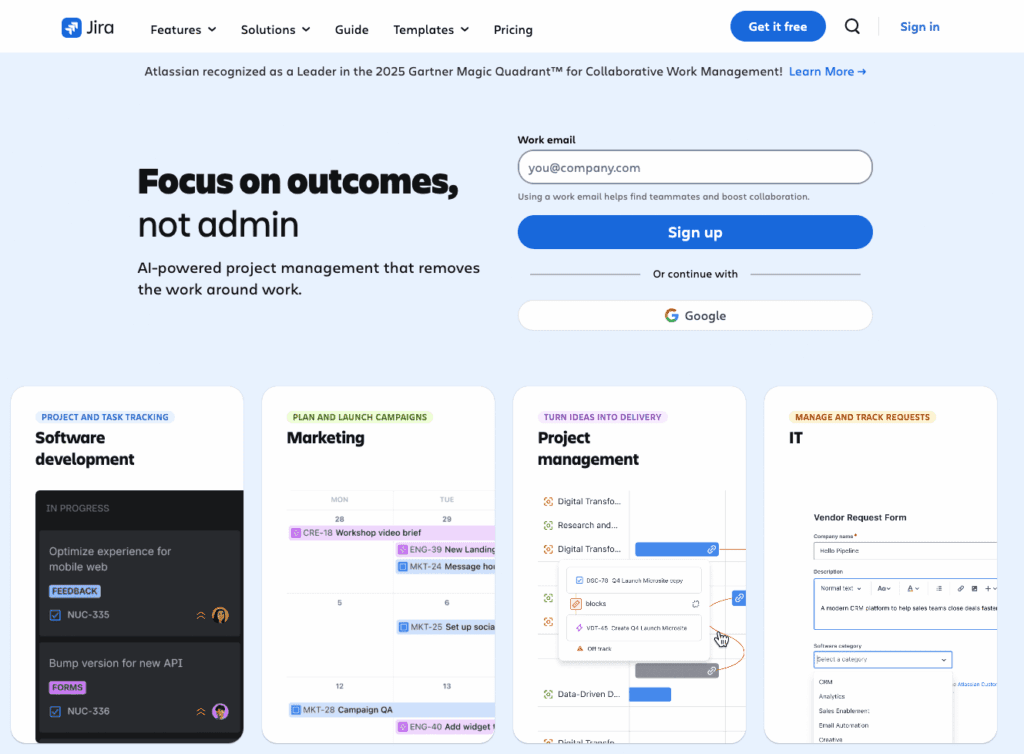
Jira is one of the most widely used project management tools among South African software development companies, fintech startups, and enterprise IT teams. It is purpose-built for Agile and Scrum-based app development, making it a strong choice for teams managing complex backlogs, frequent releases, and multiple environments.In South Africa, Jira is commonly adopted by teams scaling beyond MVP stage into production-grade mobile and web applications.
Key Features of Jira:
- Advanced Scrum and Kanban boards for sprint-based development
- Robust backlog management for feature prioritisation
- Built-in bug and issue tracking tightly linked to development tasks
- Customisable workflows, statuses, and automation rules
- Deep integrations with GitHub, Bitbucket, Slack, Confluence, and CI/CD pipelines
- Detailed reporting and analytics (burndown charts, velocity, sprint health)
Weaknesses of Jira:
Jira requires time to set up properly and can feel complex for non-technical stakeholders. Small teams may find it heavy if they do not follow structured Agile practices. Without proper onboarding, teams may underuse its capabilities.
Jira Best For:
Jira is best suited for medium to large South African development teams building fintech, SaaS, or enterprise grade applications where structured Agile delivery, traceability, and reporting are essential.
2. Trello
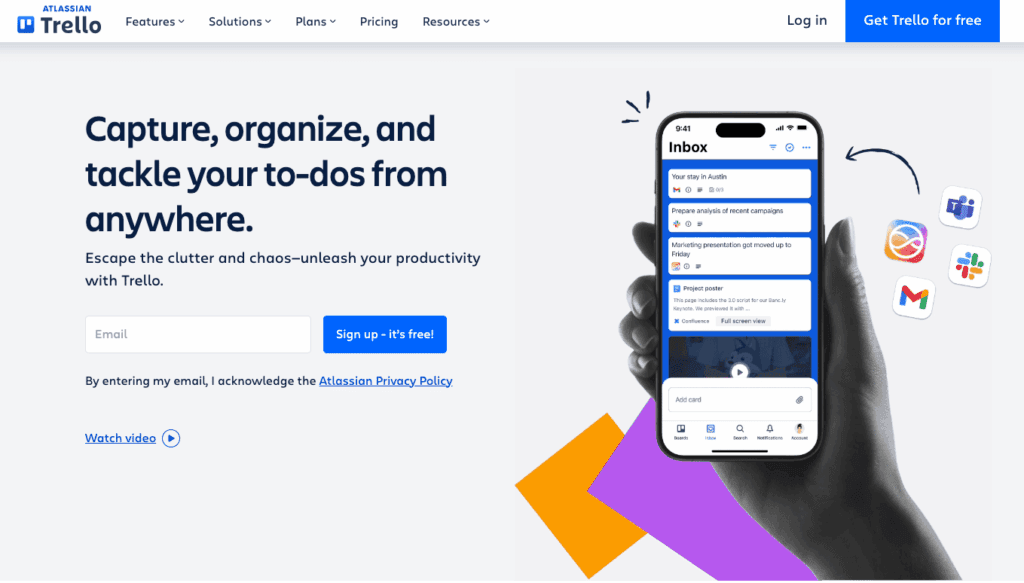
Trello is commonly used by early-stage South African startups and small teams working on MVPs or short-term app projects. It uses a simple board and card system that is easy to understand and requires almost no setup, making it practical for teams without formal project management experience.
Key Features of Trello:
- Simple Kanban boards with cards and lists
- Easy task assignment and due dates
- Drag-and-drop workflow management
- Basic automation using Butler
- Integrations with Slack, Google Drive, and GitHub
- Free plan suitable for small teams
Weaknesses of Trello:
Trello lacks advanced reporting, sprint planning, and dependency management. As projects grow in size or complexity, boards become harder to manage and visibility decreases.
Trello Best For:
Trello works best for South African startups validating ideas, small teams building MVPs, or non-technical founders managing early-stage app development.
3. ClickUp
ClickUp has gained strong traction among South African SMEs and software agencies due to its competitive pricing and all-in-one approach. It allows teams to manage tasks, documentation, timelines, and time tracking within a single platform.For SA businesses balancing cost and functionality, ClickUp often replaces multiple tools with one unified system.

Key Features of ClickUp:
- Highly customisable task hierarchies and workflows
- Built-in time tracking and workload management
- Agile-friendly views: List, Board, Timeline, Gantt
- Integrated documentation and knowledge base
- Automation for repetitive project actions
- Dashboards for project and team performance
Weaknesses of ClickUp:
Because ClickUp offers many features, new users may find it confusing at first. It requires deliberate setup to avoid clutter. For very large or highly technical projects, performance and reporting may not match enterprise tools like Jira.
ClickUp Best For:
ClickUp is best for South African startups, SMEs, and agencies that want flexibility, affordability, and an all-in-one project management solution for app development.
4. Monday.com
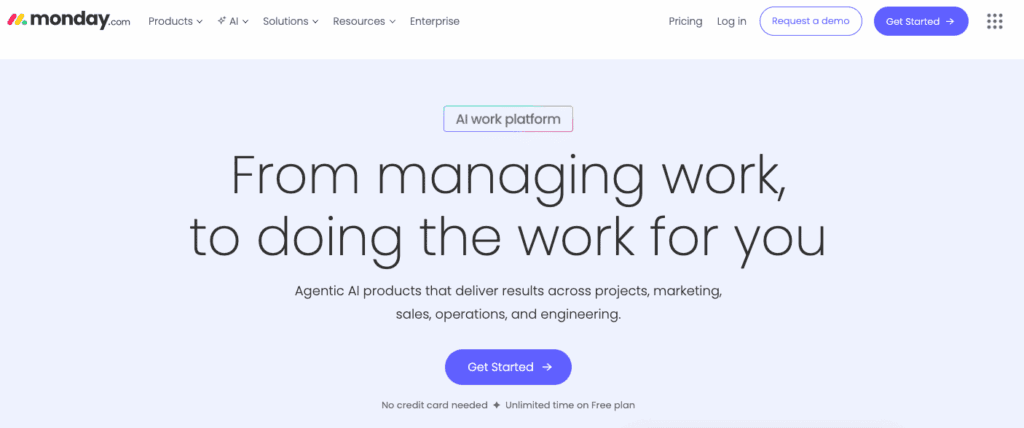
Monday.com is frequently used by mid sized South African companies that require strong visibility across teams without deep technical complexity. It is particularly effective where product managers, business stakeholders, and developers collaborate closely.In SA, it is often adopted by agencies and product teams needing clear reporting for leadership.
Key Features of Monday:
- Visual boards and timelines for progress tracking
- Customisable workflows and automations
- Real-time dashboards for stakeholders
- Integration with dev tools and communication platforms
- Strong permissions and role management
Weaknesses of Monday:
Costs increase as more users are added, which can be a concern for growing teams. It is less developer-focused and may feel limiting for teams running strict Agile or DevOps workflows.
Monday Best For:
Monday.com is best suited for mid-sized South African companies and agencies that prioritise visibility, reporting, and cross-team coordination over deep technical control.
5. Notion
Notion is often used by small product teams and founders for planning, documentation, and lightweight task tracking. It excels as a knowledge hub rather than a full-scale project management system. Many SA startups use Notion during early-stage product discovery and planning.

Key Features of Notion:
- Flexible pages for documentation and planning
- Simple task boards and databases
- Templates for product roadmaps and specs
- Real-time collaboration
- Low-cost entry for startups
Weaknesses of Notion
It lacks advanced project tracking, automation, and reporting. As development work increases, manual management becomes inefficient.
Notion Best For
Notion is best for early-stage South African startups, product planning, and documentation before active app development begins.
6.Asana
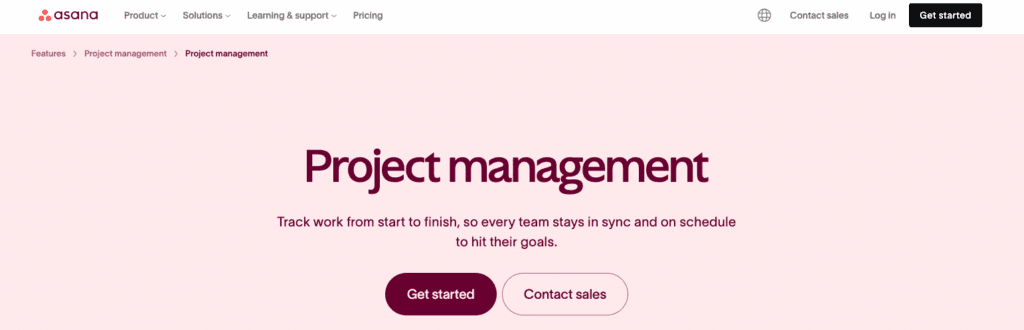
Asana is commonly used by South African software teams and digital agencies that need structured task management and clear delivery timelines. It is well suited for app development projects where work needs to move through defined stages with clear ownership and deadlines. In South Africa, Asana is often adopted by agencies and product teams managing multiple client apps or internal products at the same time.
Key Features of Asana:
- Structured task assignment with clear owners and due dates
- Timeline view for planning delivery schedules and tracking dependencies
- Task dependencies that show how work is connected across the project
- Automation rules to reduce manual updates and repetitive actions
- Integration with GitHub for development tracking
- Integration with Slack for real-time team communication
Weaknesses of Asana:
Asana can become overwhelming when managing a large number of projects or tasks at once. Without clear project structure and naming conventions, visibility can drop quickly. It is less suitable for teams running strict Scrum frameworks or complex Agile reporting.
Asana Best For:
Asana is best suited for agencies and product teams managing multiple app development projects in parallel, where structured workflows, timelines, and coordination are more important than deep Agile controls.
Practical Tips for Using Project Management Tools in App Development
Work in short, controlled cycles
Break your app development work into sprints of one to two weeks and review progress at the end of each cycle. This allows teams to respond quickly to changing requirements, reduce rework, and keep delivery on track without long delays.
Keep all communication in one place
Use a single communication platform such as Slack or Microsoft Teams and integrate it with your project management tool. This prevents important updates from being lost across emails, WhatsApp messages, or informal channels, which is a common issue in distributed SA teams.
Track time and cost from day one
Use built-in time tracking or simple reporting to monitor how much effort is being spent on each feature. This helps identify scope creep early and keeps projects within budget.
Document decisions and requirements clearly
Maintain clear documentation for features, technical decisions, and changes. This is especially important when teams are spread across different cities or working remotely, as it reduces misunderstandings and dependency on individuals.
Configure dashboards
Set up dashboards that show progress, risks, and delivery status in a simple way. Focus on metrics that matter to your stakeholders.
Final Thought
Project management tools are critical to successful app development, especially in South Africa where teams are often distributed, budgets are tightly managed, and delivery timelines matter. The right PM tool helps reduce risk, improve collaboration, and ensure predictable outcomes. At Digital Humanity, we combine the right project management tools with proven delivery processes to help businesses build high quality mobile and web applications efficiently and without unnecessary delays.
FAQs about project management tools for app development
Why are project management tools important for app development?
Project management tools help app teams plan sprints, assign tasks, track progress, control budgets, improve collaboration, and ensure timely delivery. They reduce delays, prevent scope creep, and improve software quality throughout the development lifecycle.
Which PM tool is best for startups in South Africa?
ClickUp and Trello are the best PM tools for South African startups because they are affordable, easy to use, and flexible enough to support MVP and production app development.
Which project management tool should you choose for app development?
The best project management tool for your app depends on your team and project type:
- For MVPs or early-stage startups, use Trello or Notion.
- For startups or SMEs building production apps, ClickUp is ideal.
- Fintech, SaaS, or enterprise applications perform best with Jira, while agencies managing multiple client projects benefit from Asana or Monday.com.
Related Blogs

Development
How to Build a Budgeting App in South Africa (Complete 2026 Guide)
South Africa is experiencing a rapid shift toward digital money management. Rising living costs, increasing household debt, and widespread mobile banking adoption have created strong demand for budgeting apps that help individuals and businesses manage their finances better.

DevelopmentStrategy
Low-Code vs. Custom Mobile App Development: What’s Best for South African Startups in 2026?
Low code mobile app development vs custom mobile app development is a question South African startups in 2026 are asking in one of the most competitive and cost-sensitive environments the country has ever seen. Funding is more selective, customers expect world-class digital experiences, and infrastructure realities like load shedding, data costs, and device diversity still shape how mobile apps are used.
Strategy
Best 6 Payment Gateways in South Africa: How to Choose and Integrate the Right One
If you’re searching for payment gateways in South Africa, you’re not here for theory. You want to know which options exist, how they actually work, and which one will perform best once integrated into your website, store, or app. South African payments aren’t simple, customers use cards, EFT, QR codes, and instalments, often on the same site.